This package provides:
- definitions@0.1.0
- code-actions@0.1.0
- outline-view@0.1.0
- code-highlight@0.1.0
- find-references@0.1.0
- code-format.range@0.1.0
- autocomplete.provider@2.0.0
This package consumes:



This extension provides basic validation, content assist and hover infos for editing Concourse Pipeline and Task Configuration Files.
It is recommended to use this extension package when atom-ide-ui atom extension package is installed. Thus, reconciling (error/warning markers) and hover support is fully functional.
The Concourse editor automatically activates when the name of the file you are editing is pipeline.yml or task.yml. Alternately, you can select the grammar for your file by doing these steps:
Concourse-Pipeline-YAML for pipeline files, or Concourse-Task-YAML for task files.If you find an issue please raise it here: https://github.com/spring-projects/sts4/issues
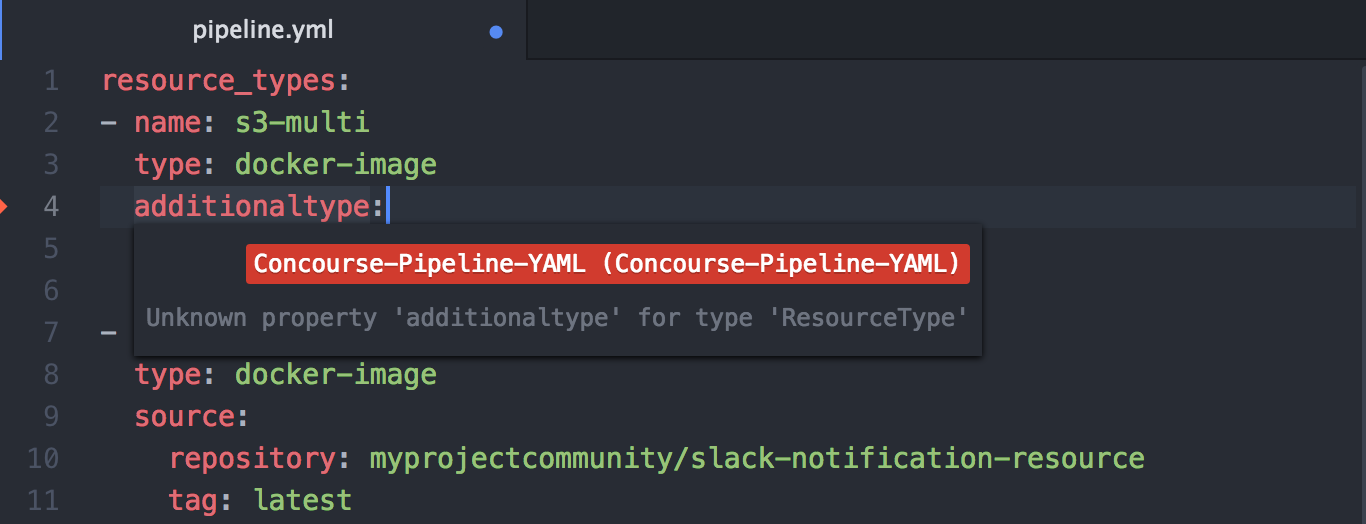
(Requires atom-ide-ui package) As you type the file is parsed and checked for basic syntactic and structural correctness. Hover over an error marker to see an explanation.
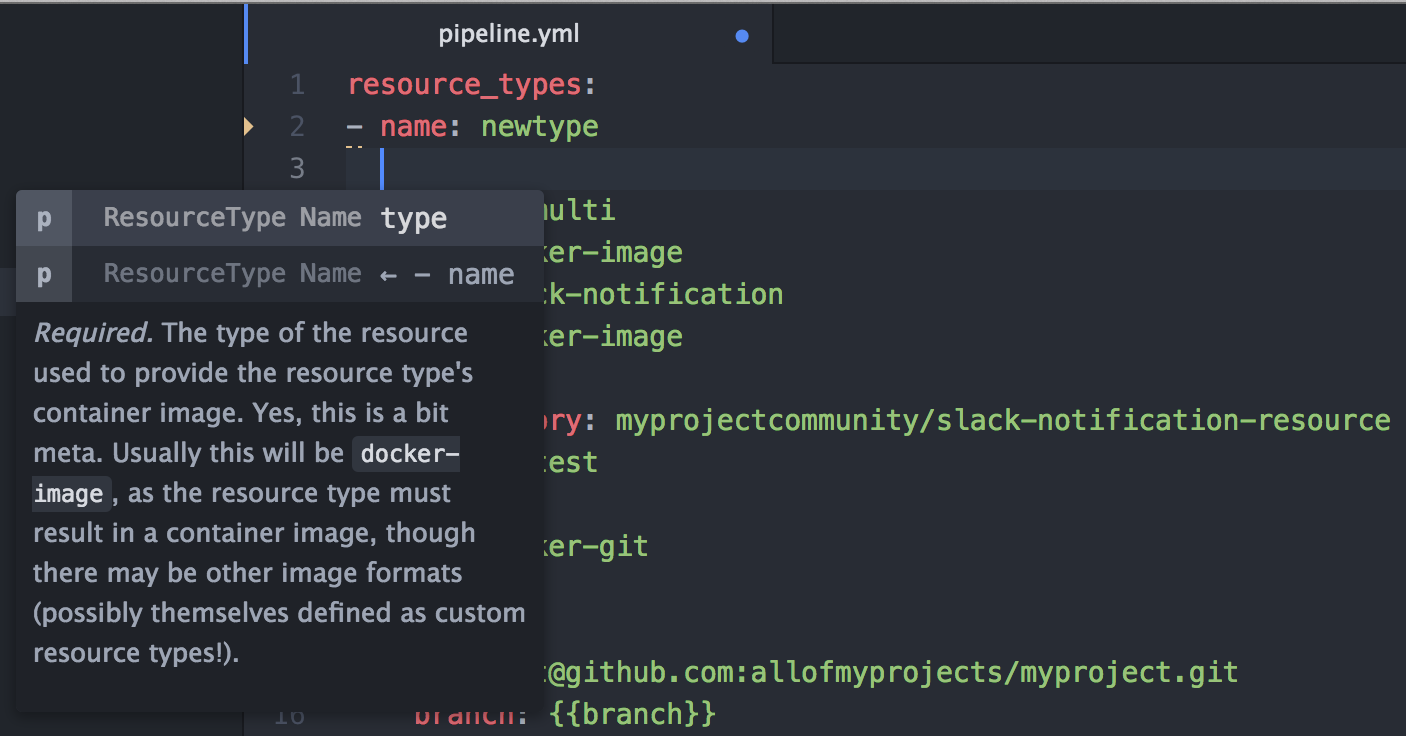
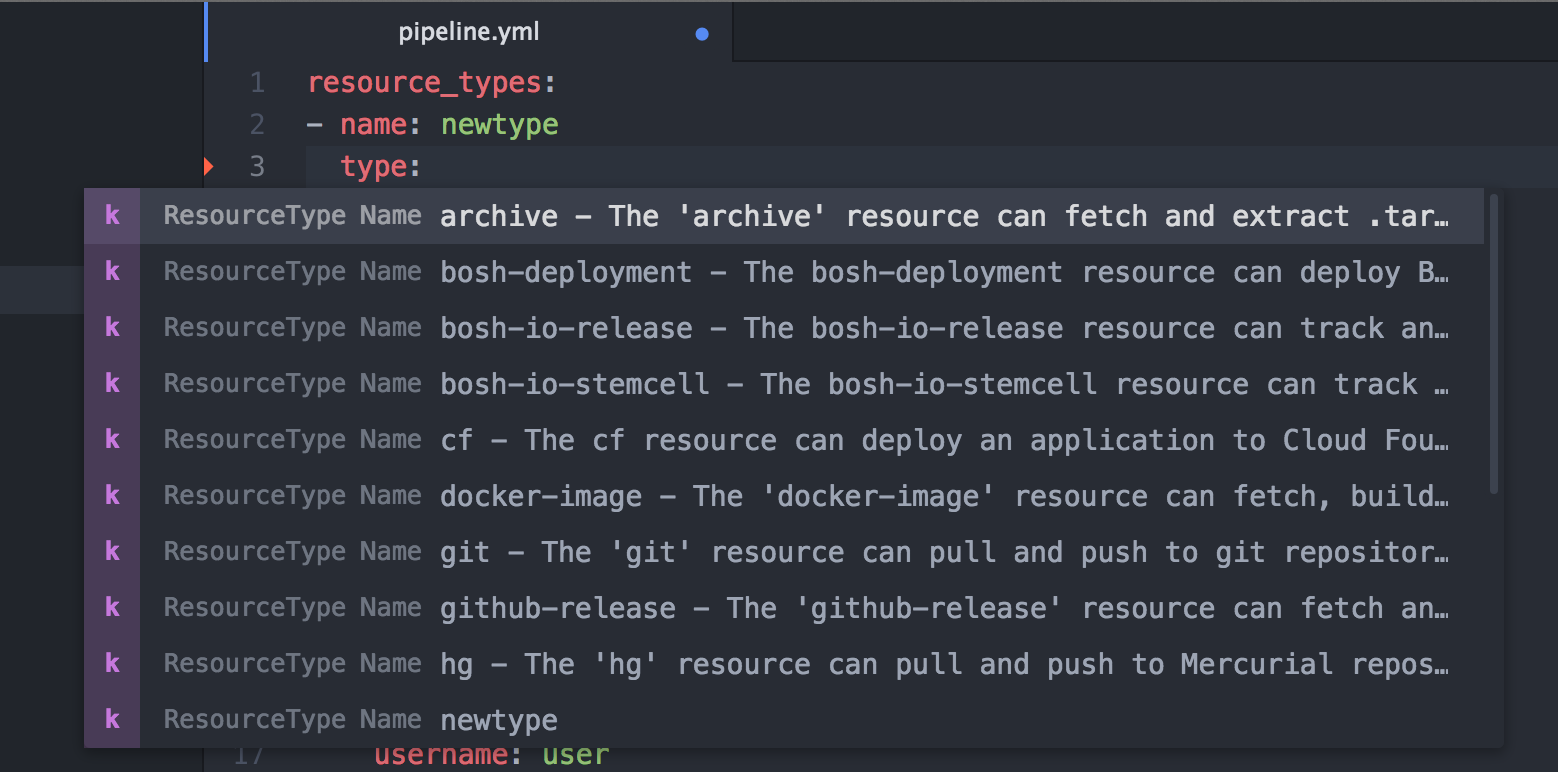
Having trouble remembering all the names of the attributes, and their spelling? Or can't remember
which resource properties to set in the get task params versus its source attributes? Or
don't remember what 'special' values are acceptable for a certain property? Content assist
to the rescue:
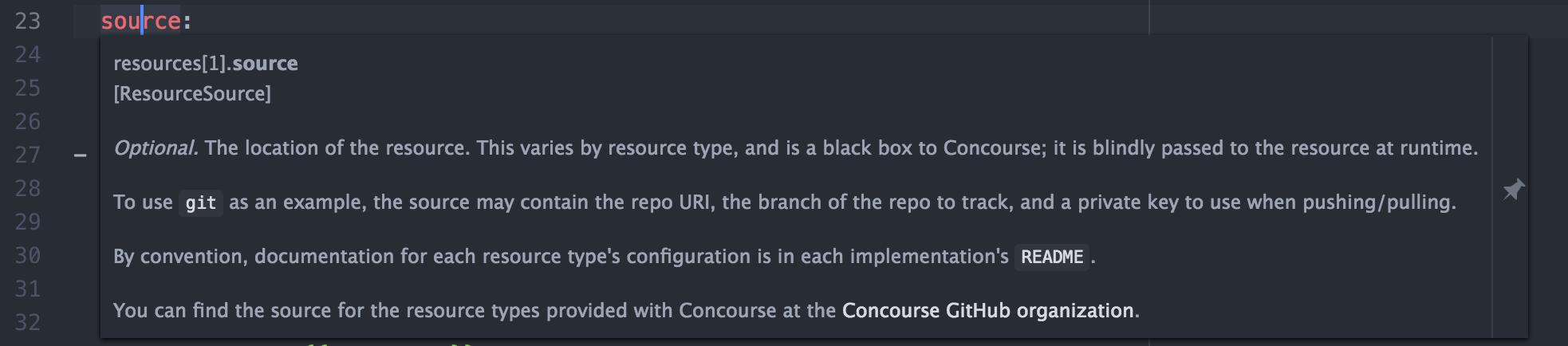
(Requires atom-ide-ui package) Having trouble remembering exactly what the meaning of each attribute is? Hover over any attribute and
read its detailed documentation.
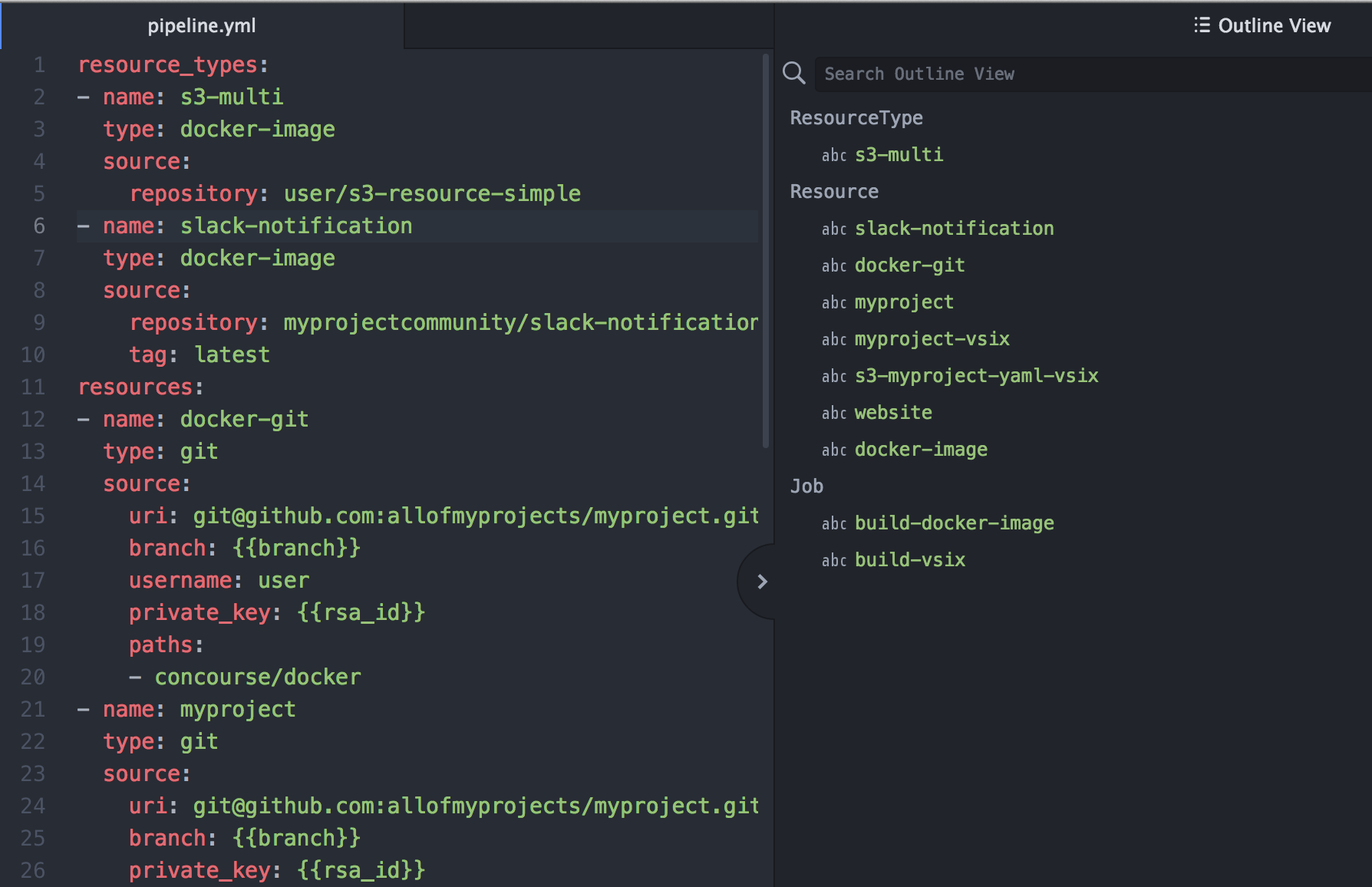
Is your Pipeline yaml file getting larger and it is becoming harder to find a particular Job, Resource or Resource Type declaration? The Atom Outline View (View -> Toggle Outline View) helps you quickly jump to a specific definition.
Released versions of this package can be installed directly from the Atom package installer.
There are also development snapshots available with the latest fixes and improvements from release git repository: https://github.com/spring-projects/atom-concourse
atom-concourse foldergit clean -fxd - necessary to delete out of date LS JAR file and dependency packagesgit pull - get the latest changesnpm install - Install latest dependecnies and download proper LS JARapm link . - Link the package to Atom