
- unified
- adaptive
- ui
Unite UI
Unite UI responds to your syntax for a more unified feel that is based off of Flexible UI
Features
- Monospaced or System fonts everywhere.
- Good contrast with Light and Dark Syntaxes.
- Adapts your Syntax colors.
Installation
Go to settings within Atom, select Install and search for unite under themes.
Or install directly from the console:
apm install unite-ui
Settings
condensedTabs- description: Enable a smaller font and less padding on tabs.
- type:
boolean - default:
false
condensedTreeView- description: Enable a smaller font and less padding on the tree.
- type:
boolean - default:
false
fontStack- description: Change UI Font Stack.
- type:
enum - default:
monospace- options:
monospace,system
- options:
blockCursor- description: Switch cursor from Block to Line.
- type:
enum - default:
block- options:
block,standard
- options:
closeButtonPosition- description: Change tab close buttons to left or right.
- default:
right - type:
enum- options:
right,left
- options:
Screenshots
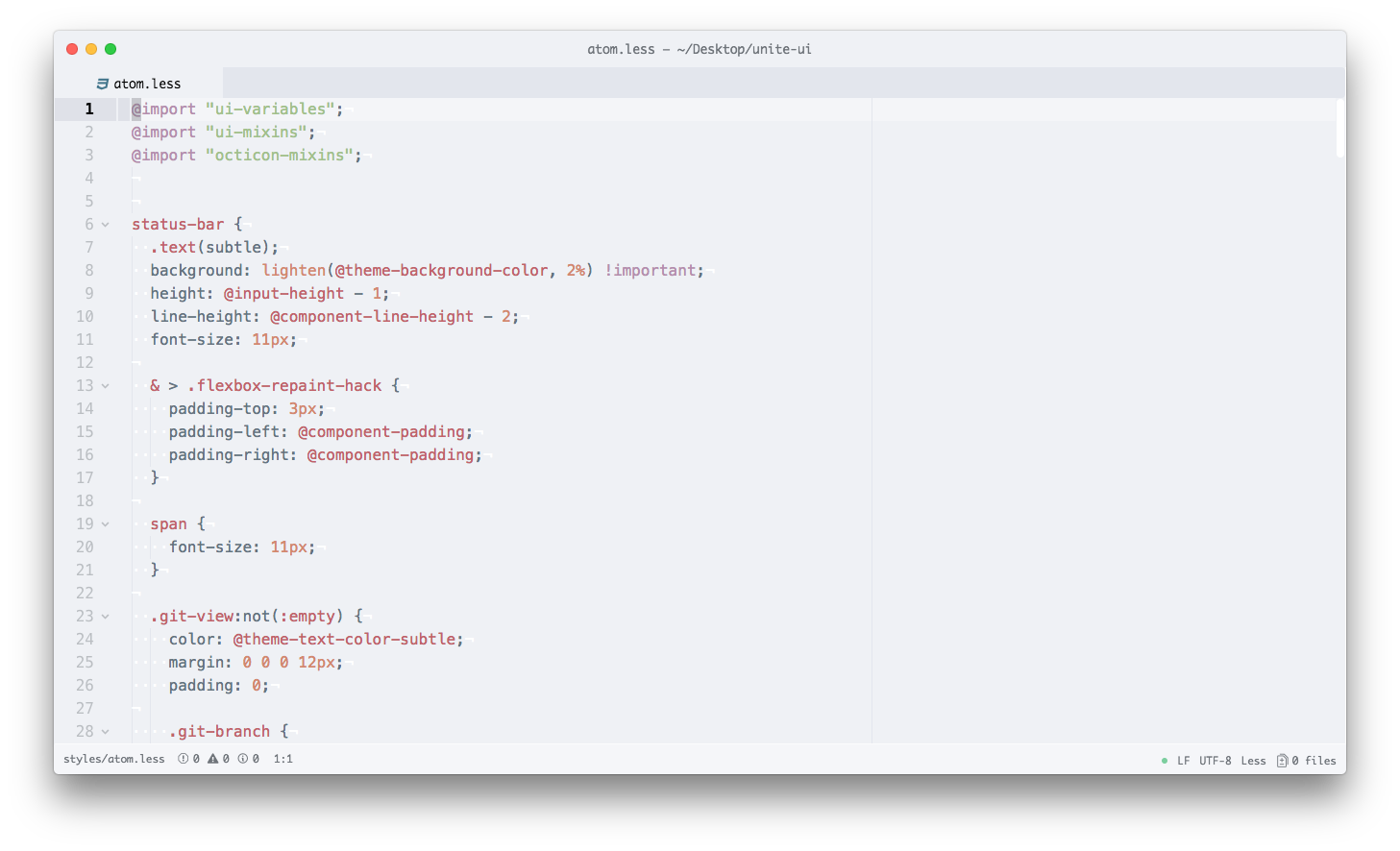
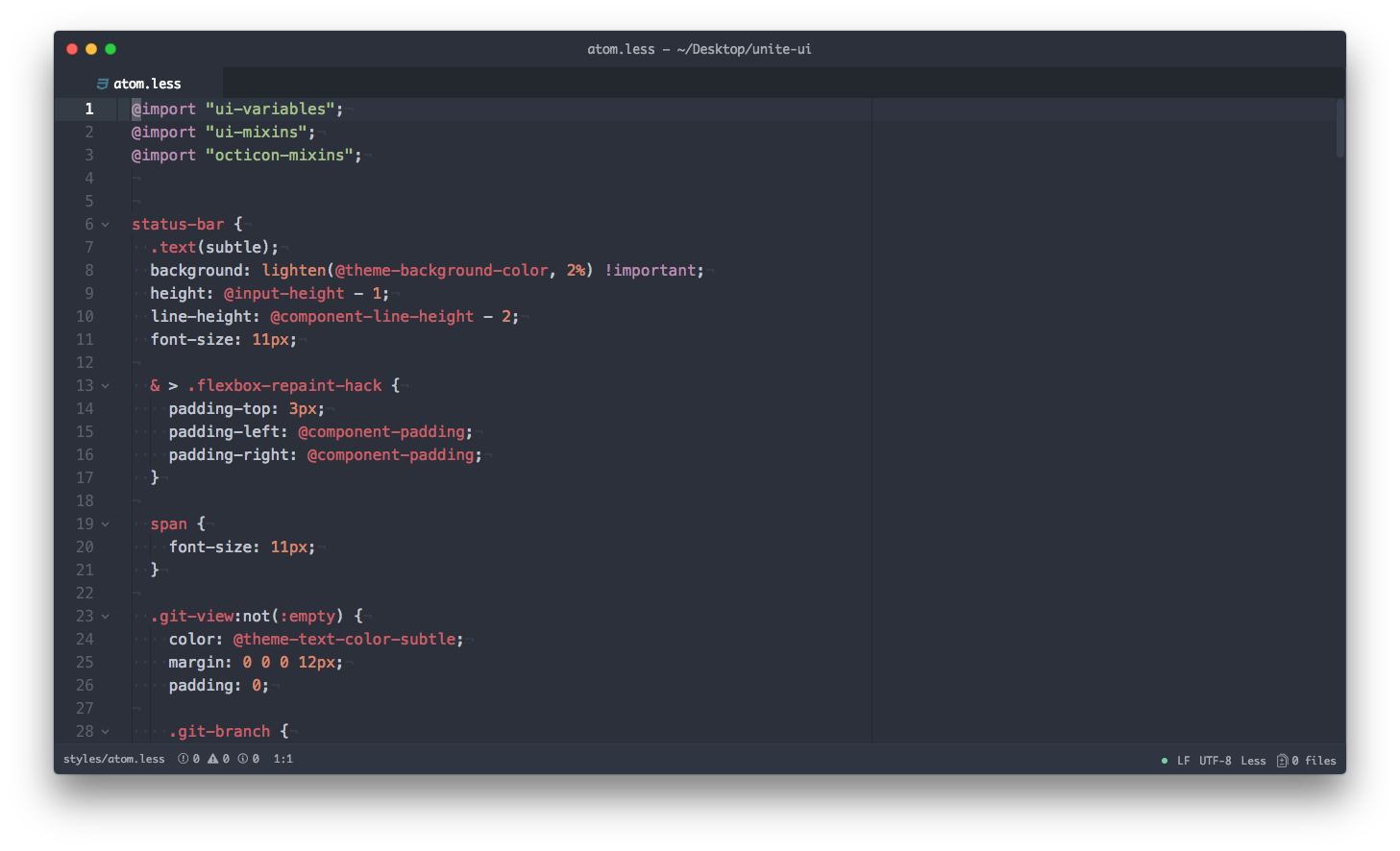
font in the screenshots is: Monaco
syntax featured are in the screenshots are: ocean-dark-syntax & ocean-light-syntax
Light
Dark
Font Stacks
/* monospace */
"Operator Mono for Powerline", "Operator Mono", "Monaco", "Consolas", "Inconsolata", "Droid Sans Mono", "Deja Vu Sans Mono", monospace;

/* system */
-apple-system, BlinkMacSystemFont, "Segoe UI", Roboto, Oxygen, Ubuntu, Cantarell, "Open Sans", "Helvetica Neue", sans-serif;