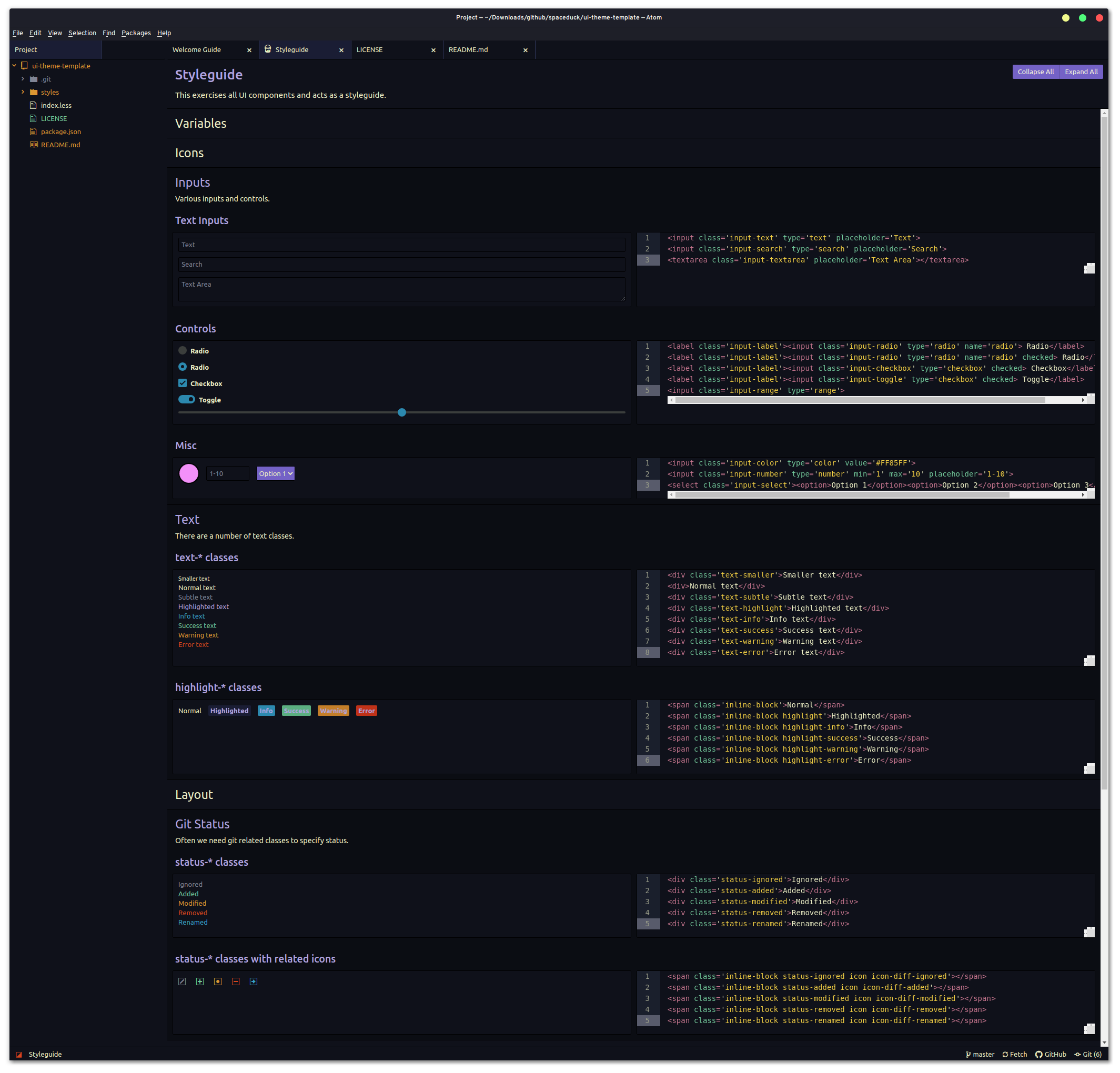
A spaceduck theme for Atom (UI)
Install
- Install Atom
- Launch Atom
- Go to Edit -> Preferences...
- Then select the "Install" tab.
- Click the Themes button to the right of the search box.
- Enter `spaceduck-ui in the search box.
- Select "Install" button on the spaceduck-ui entry that appears.
License
MIT License
