
- atom
- syntax
- theme
- colorful
- dark
- vibrant

Examples
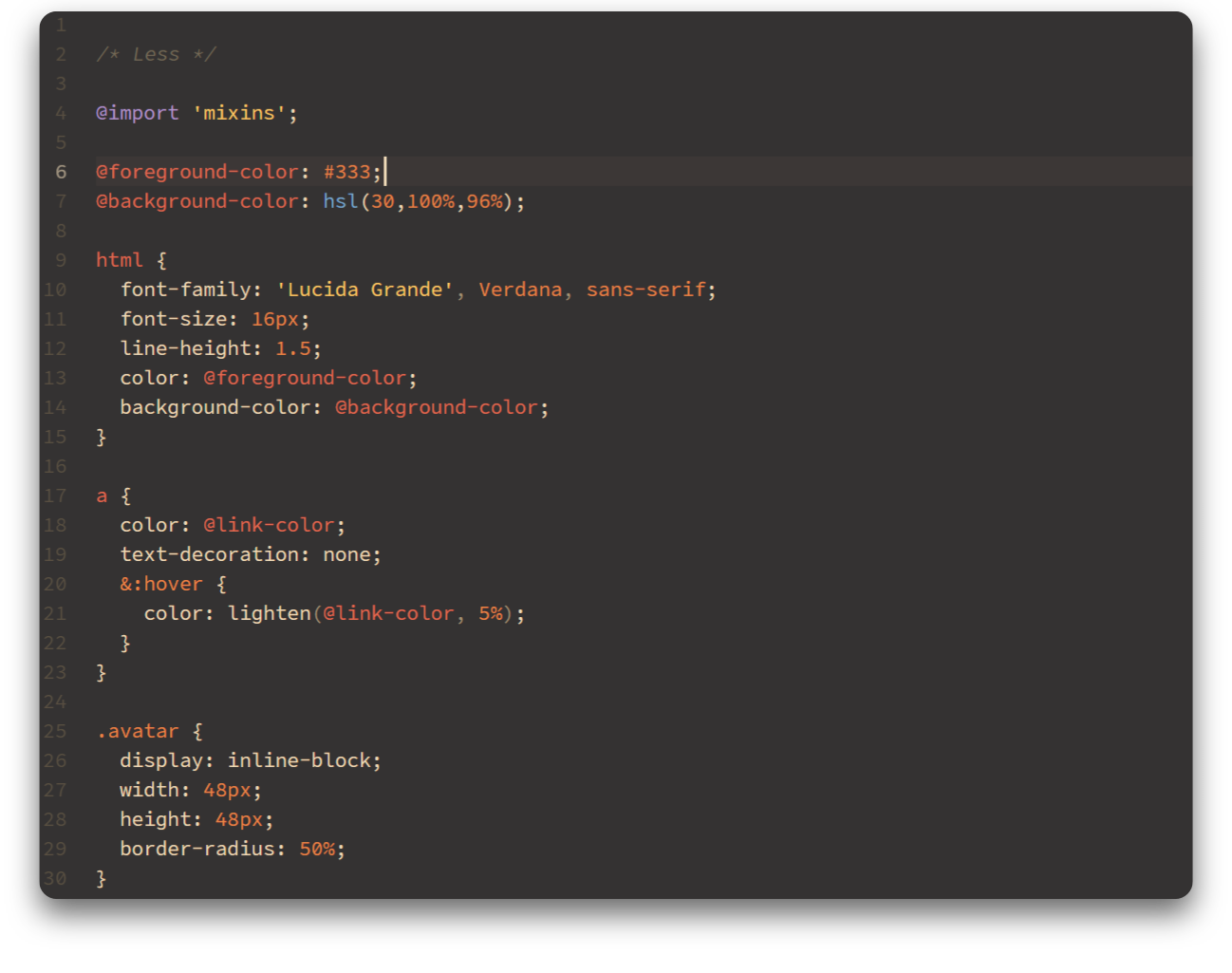
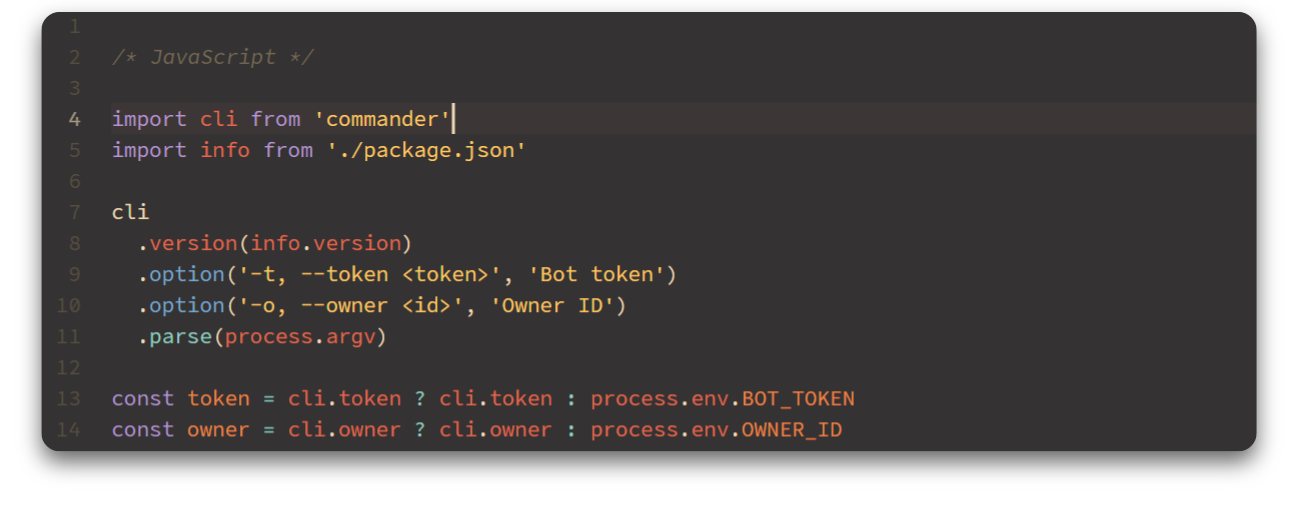
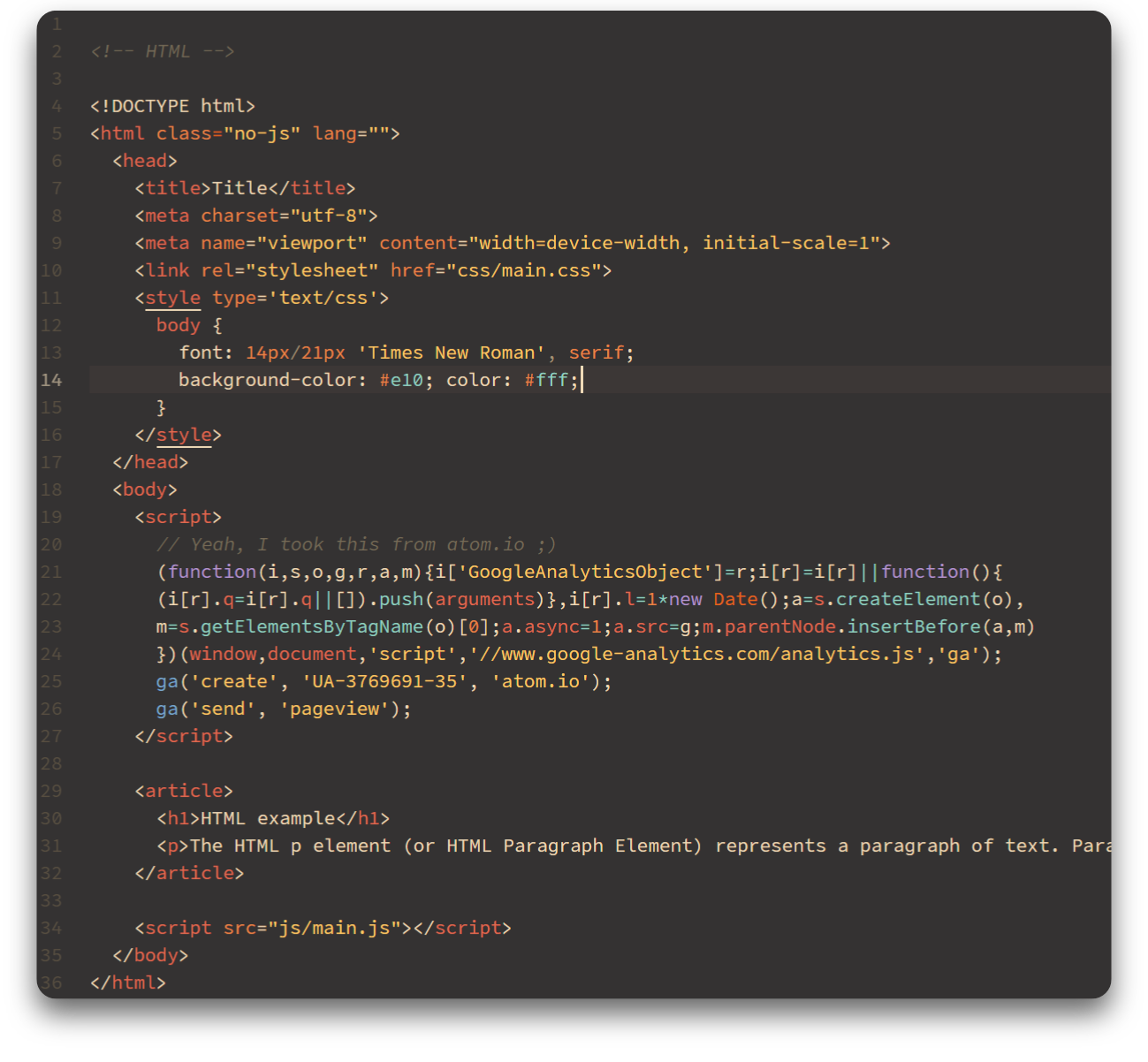
The font used in the screenshots above is Office Code Pro.
Install
From the command line:
apm install rocket-dark-syntax
If the command line isn't your thing:
- Go to Settings > Install
- Search for
rocket dark syntaxand click Install - Go to Settings > Themes and choose Rocket Dark from the dropdown menu
- Happy coding! ♥