
- rain
- calm
- blue
- dark
- syntax
Rain UI
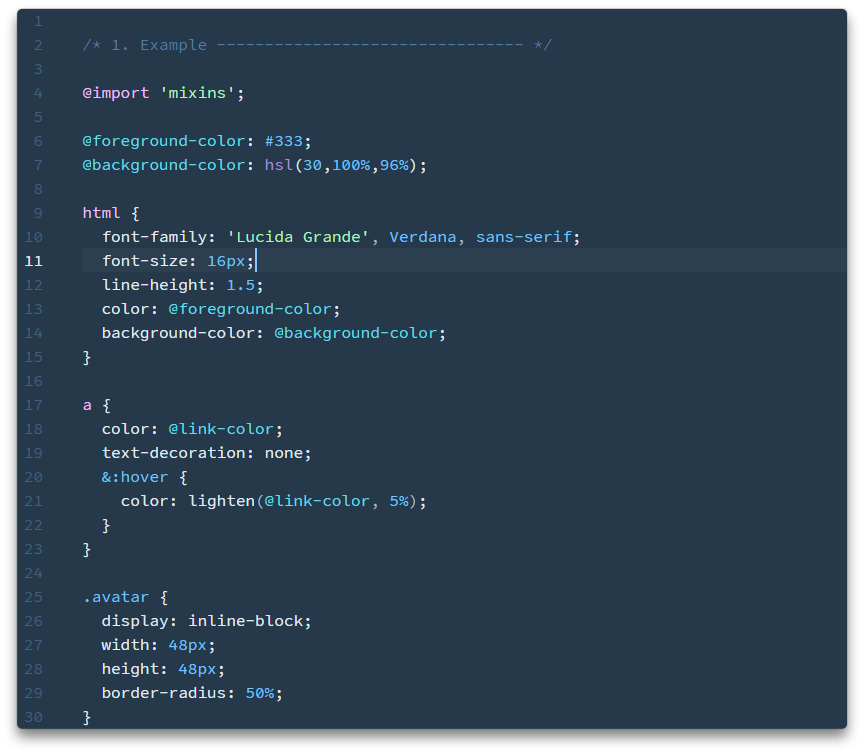
A calming UI theme for Atom. A matching syntax theme is available.
Install
From the command line:
apm install rain-ui
Alternatively, from right inside the app:
- Open the Settings pane.
- Select the Install tab, then the Themes button next to the search field.
- Search for
rain-ui, then click Install. - To use it, select the Themes tab and choose Rain from the UI Theme dropdown.
- Enjoy!