
- fs-plus@^2.0.0
- js-beautify@^1.5.10
- atom-space-pen-views@^2.0.3
PlantUML Preview
Package for using PlantUML to create rendered uml diagrams and display.
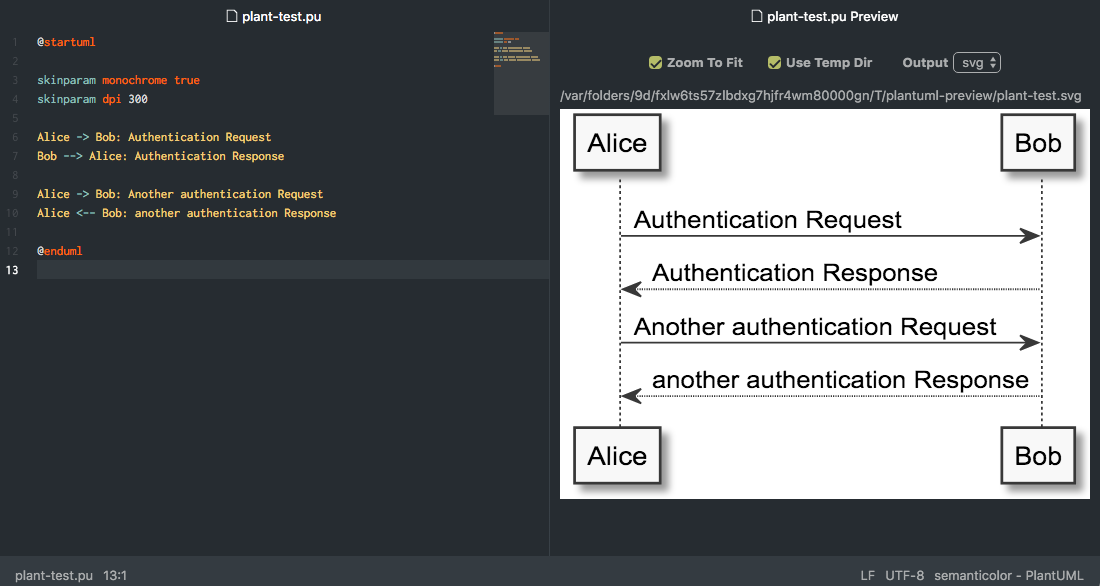
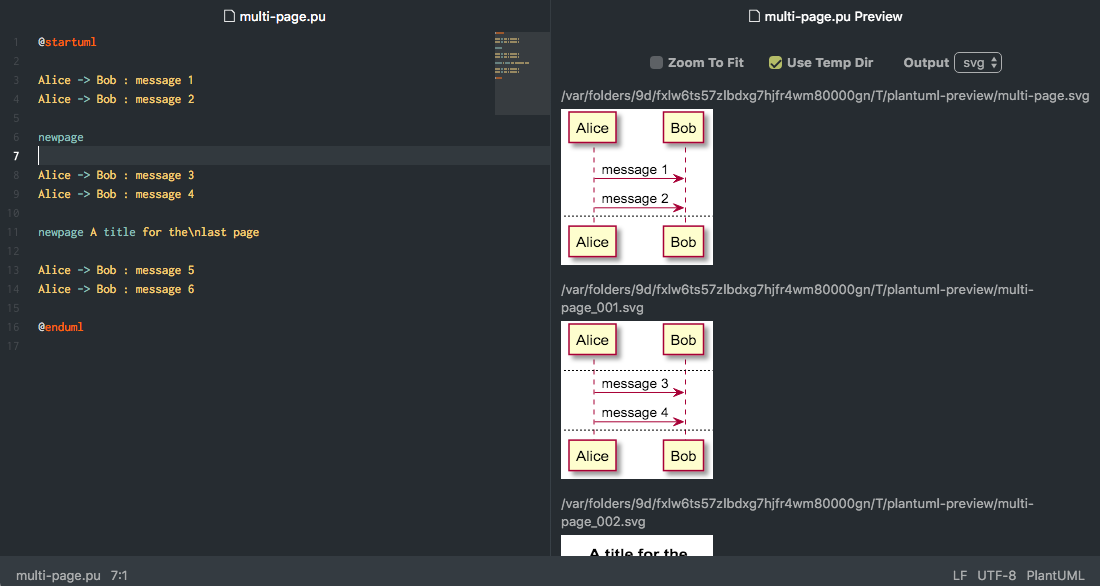
Screenshots shown with: language-plantuml, nucleus-dark-ui, polaris-syntax, minimap
Features
- Generate diagrams and display in split pane
- Output formats: svg, png
- Context menu command to copy diagram
- SVG as XML
- PNG as PNG
- Images are only generated on preview toggle if the expected image files do not exist or are out of date
- Regenerate on save
- Supports multipage diagrams
newpagewithin@startuml/@enduml- Multiple
@startuml/@endumlwithin file - Combinations of both
- Handling of
@startuml filename. Images may not display if the extension on the filename does not match the output format. - Charset of the text editor will be passed to PlantUML
- Zoom to fit option
- Configuration setting for initial value
- Checkbox control for each preview
- Scaled zooming
- Maintained when regenerating on save
- Maintained when output format is changed
- Use temporary directory option
- Configuration setting for initial value
- Checkbox control for each preview
Configuration
Beautify XML: Use js-beautify on XML when copying and generating SVG diagrams, probably pointless, default = trueBring To Front: Bring preview to front when parent editor gains focus- Default = false
- Works best if
fuzzy-finder:Search All Panes= true - See CHANGELOG, don't know if this feature is necessary
Display Filename Above UML Diagrams: Default = trueGraphvis Dot Executable: Path of dot executable, GraphvizAdditional PlantUML Arguments: Free form text field for additional arguments to PlantUML. Added immediately after the-jarargument.PlantUML Jar: Path of PlantUML jarJava Executable: Path of Java executable, default = javaAdditional Java Arguments: Free form text field for additional arguments for java call.Output Format: Select png or svg output, default = svgUse Temp Directory: Output diagrams to OS temporary directory, default = trueZoom To Fit: The initial setting for new preview panes, default = true
Possible Future Improvements
- Option to copy SVG diagrams as XML or PNG
- Improved README
- FAQ
- Tests