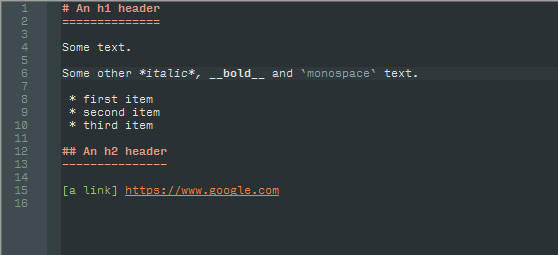
- syntax
- theme
Obsidian Colors
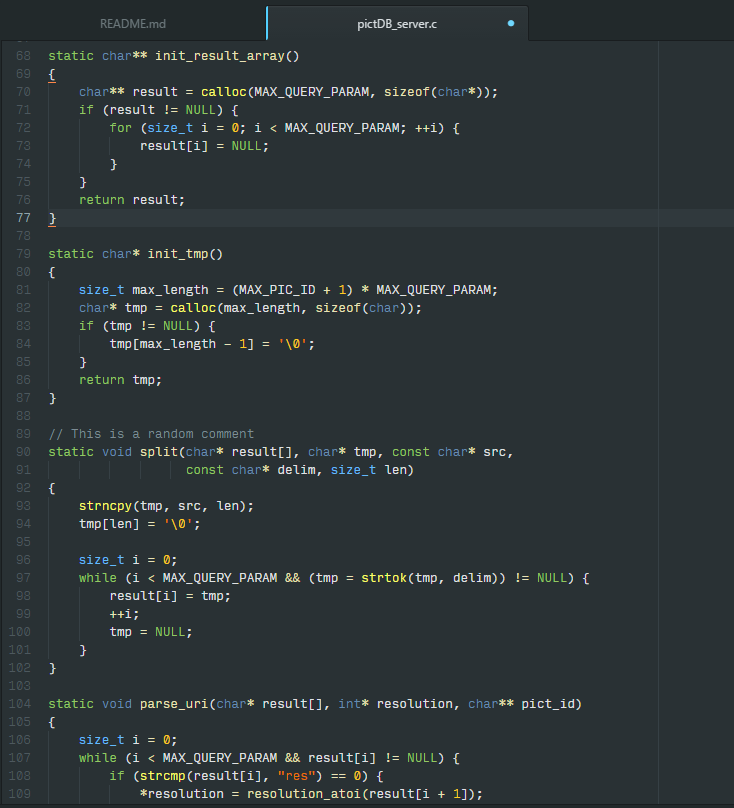
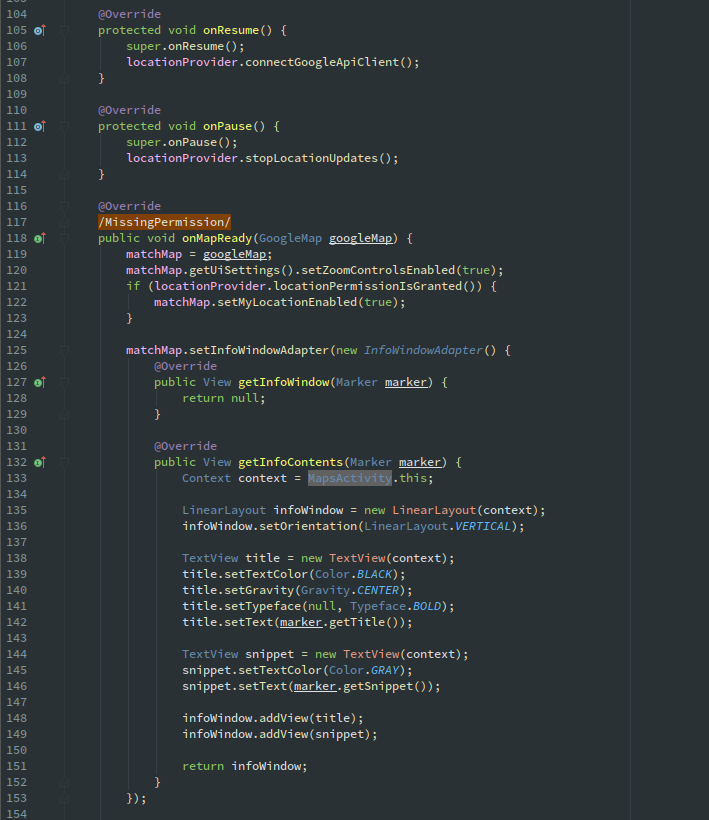
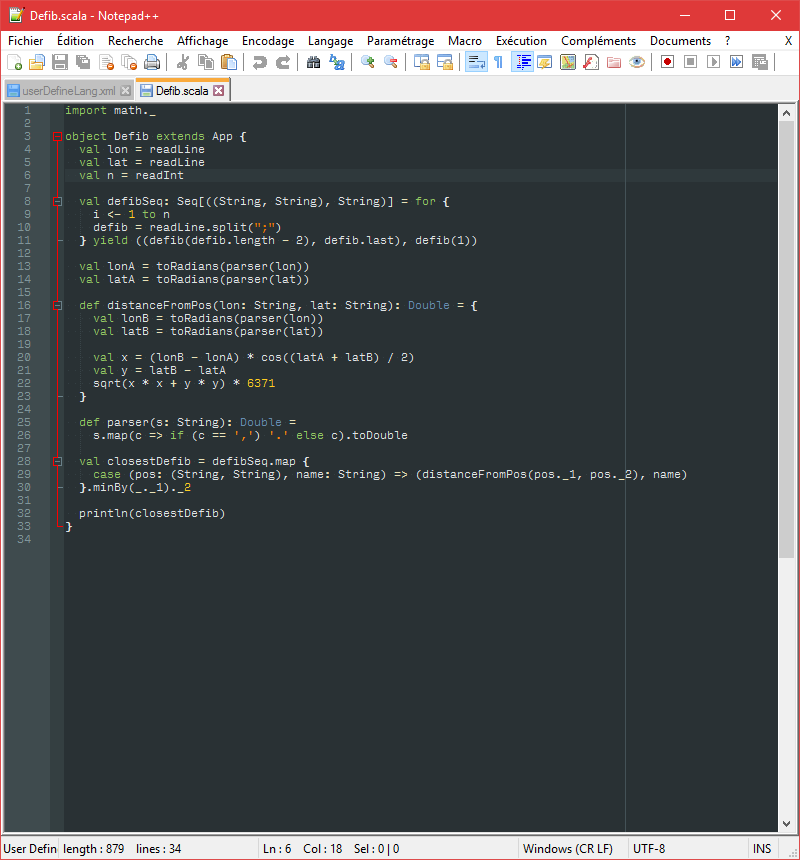
Obsidian-based theme for Atom, JetBrains IDEs (mainly IntelliJ and Android Studio), and support of Markdown and Scala for the original Notepad++. This theme adds more colors to the original obsidian theme.
Installation
Atom
Go to Settings -> Install, search for obsidian-colors in Themes and click install.
IntelliJ / Android Studio and other JetBrains IDEs
Two methods:
- Download
jetbrains\obsidian-colors.jar, import it into your IDE via File -> Import Settings and then select the Editor Colors box. - Copy the
jetbrains\obsidian-colors.iclsfile into the folder<yourUserName>\.<IDEname>\config\colorsand restart the IDE.
Notepad++
- If you don't have a user-defined language, just copy the
userDefineLang.xmlfile for the language you want intoC:\Users\<yourUserName>\AppData\Roaming\Notepad++. - If you do, you need to open the file, copy the part from
<UserLang ...>to</UserLang>and paste it at the end (just before the</NotepadPlus>) of your ownuserDefineLang.xmlfile (located in the same folder as above), then restart Notepad++.
Screenshots
Atom
Android Studio
Notepad++
- Scala
- Markdown