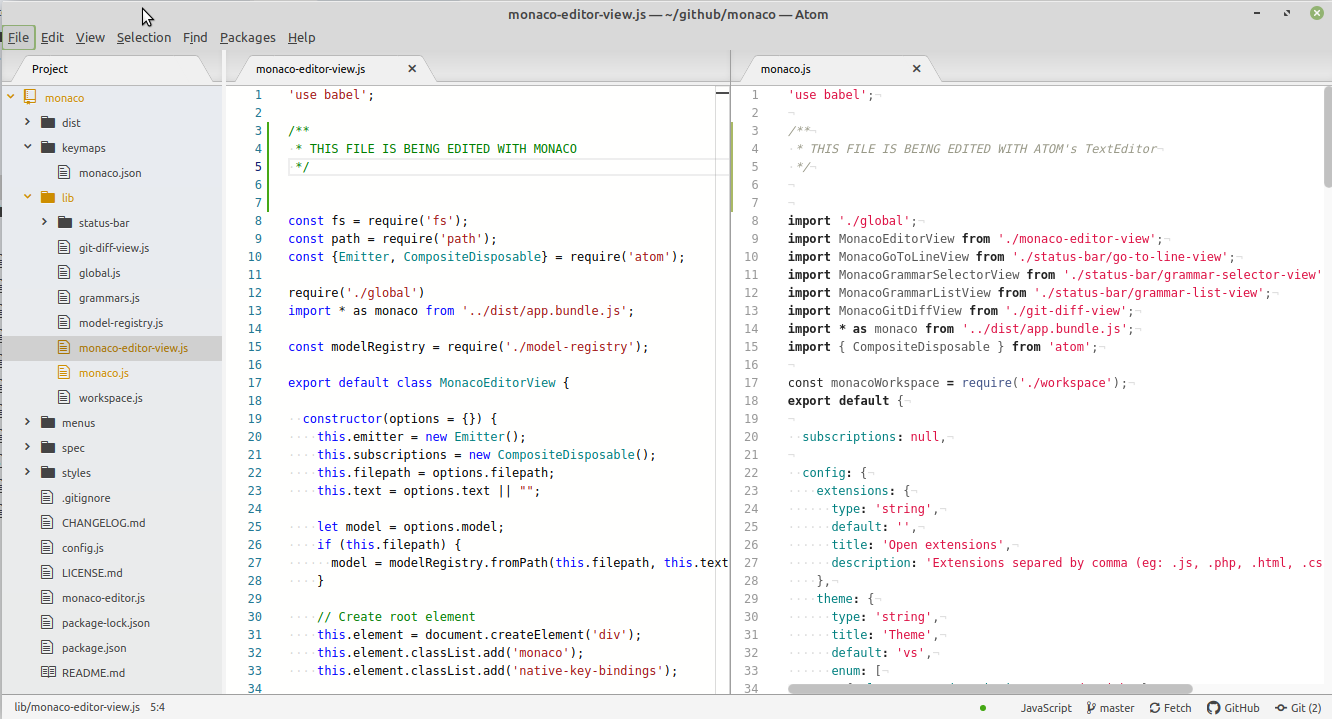
This package consumes:
Monaco
Do you open VSCode to edit a specific file and nothing else? Now you can edit your files with Monaco without leaving Atom.
There are three ways you can use this package:
From an Atom's Text Editor
Right-click on one of the Atom's editors and select "To Monaco Editor"
From file extension
In this package's configuration list the extensions you want to edit using Monaco.
eg:
.js, .php, .html, .css
From Tree View
Right-click on a file and select "Open with Monaco"
Note: If you already have that file opened atom will try to reuse that editor. Use the first option instead.
FEATURES
- Language Selector
- Theme selector
- Restore state
- Take editor's config from atom
- Configure Minimap
- Split Pane
- Git Integration
TODO LIST
Dev requirements
- Webpack