
- syntax
- theme
- jsfiddle
- js fiddle
- dark
Atom JSFiddle Syntax Theme
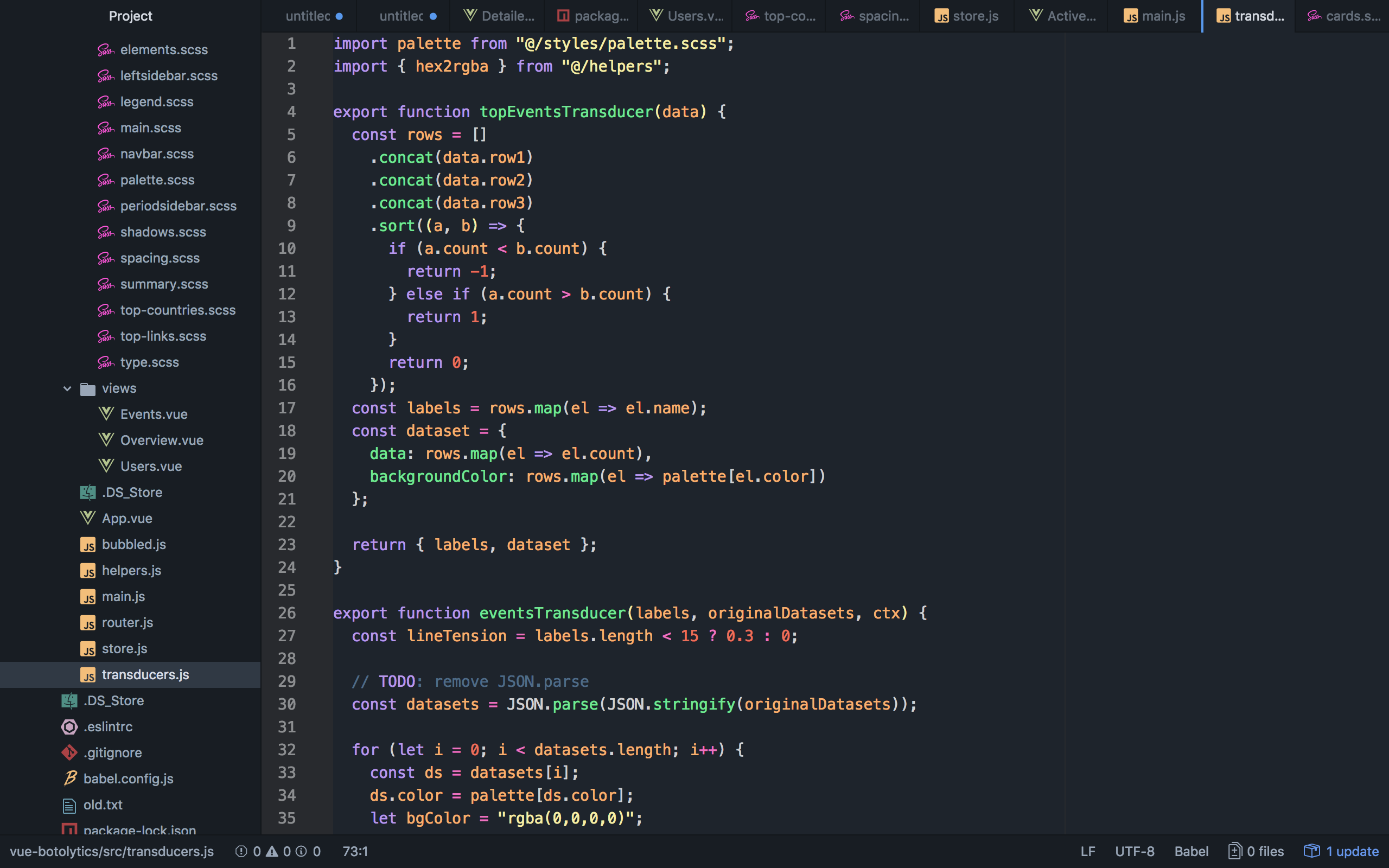
Introducing Atom syntax theme inspired by JSFiddle.
Installation
You have 2 ways of installing JSFiddle Syntax Theme:
- By going to Preferences/Settings > Install in Atom and searching for
jsfiddle-theme-syntax(make sure you're searching under 'Themes') - By entering
apm install jsfiddle-theme-syntaxin your command-line
Recommendations
font-family: "SF Mono", "Monaco", "Andale Mono", "Lucida Console", "Bitstream Vera Sans Mono", "Courier New", Courier, monospace;- UI theme: One Dark
Bug or language request?
Want to report a bug or request a new language support? Feel free to create a bug or issue, I will try to fix it as fast as I can.