
Falling Leaves


Falling Leaves in your editor. Happy Fall!
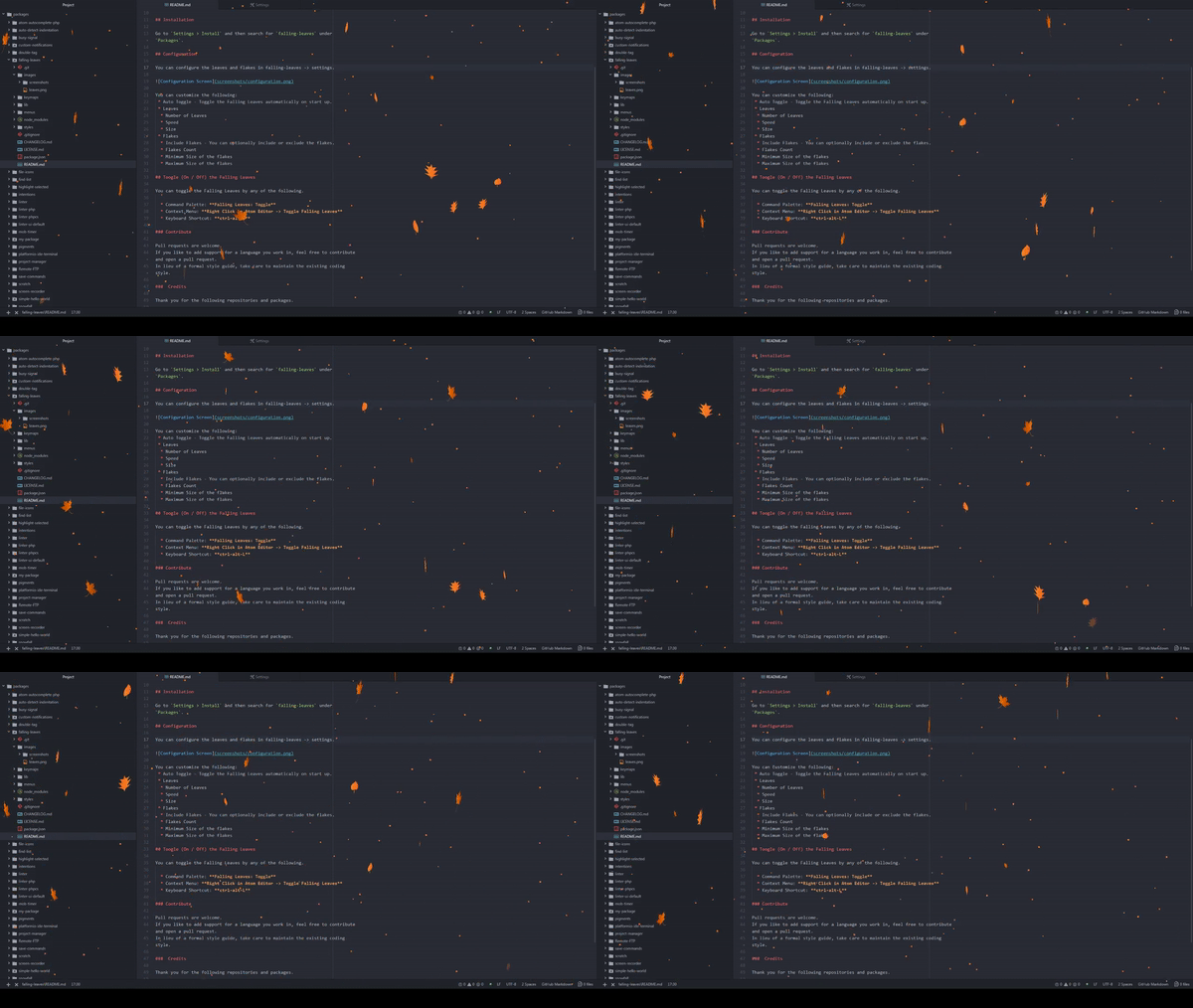
Installation
Go to Settings > Install and then search for falling-leaves under Packages.
Configuration
You can configure the leaves and flakes in falling-leaves -> settings.
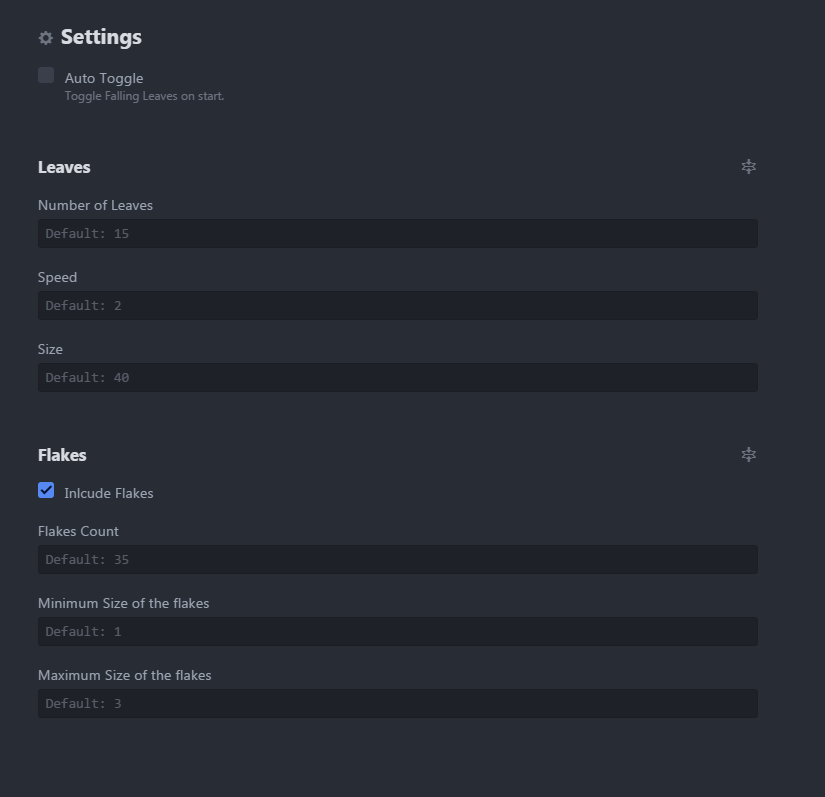
You can customize the following:
- Auto Toggle - Toggle the Falling Leaves automatically on start up.
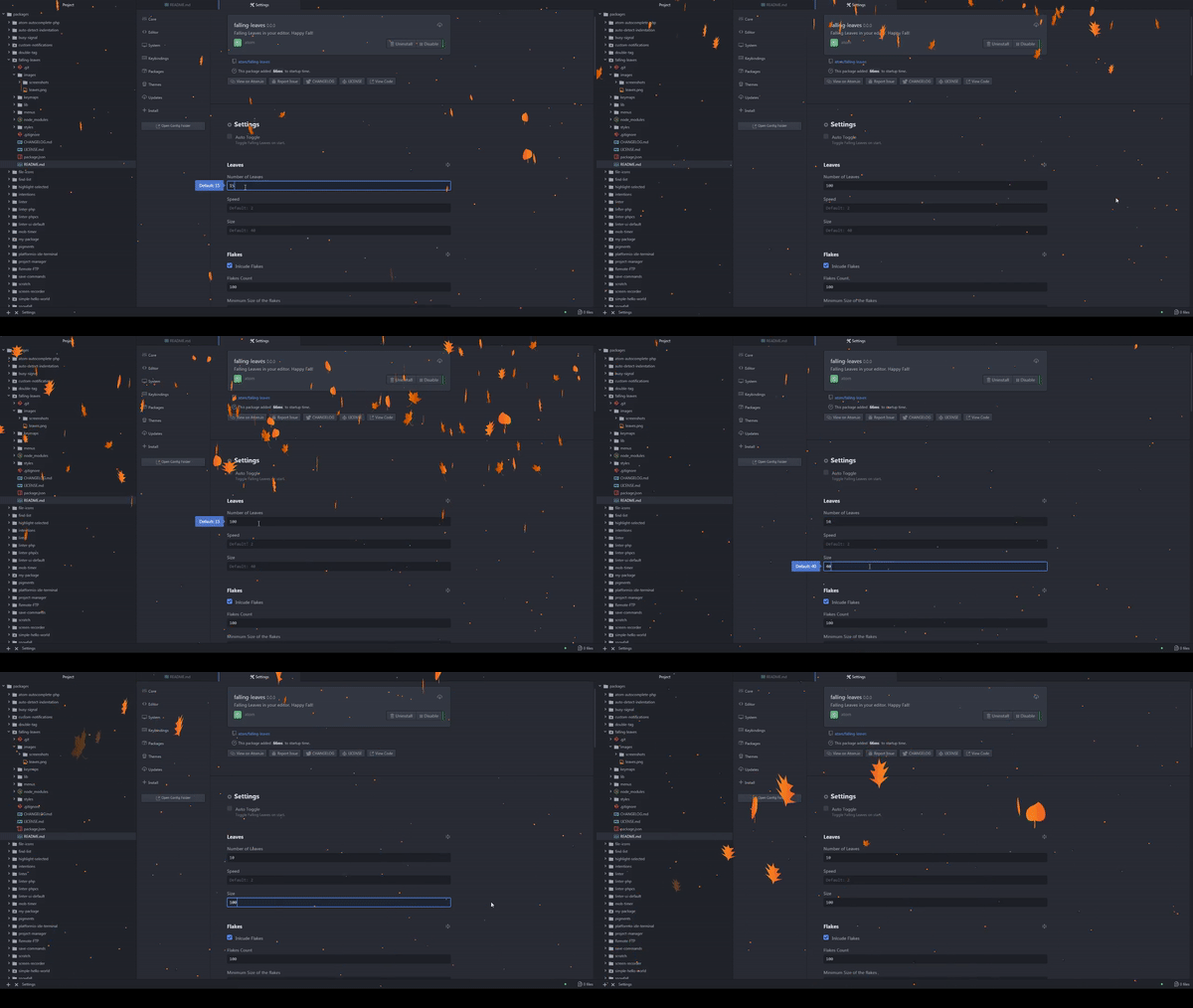
Leaves Configuration
- Number of Leaves
- Speed
- Size
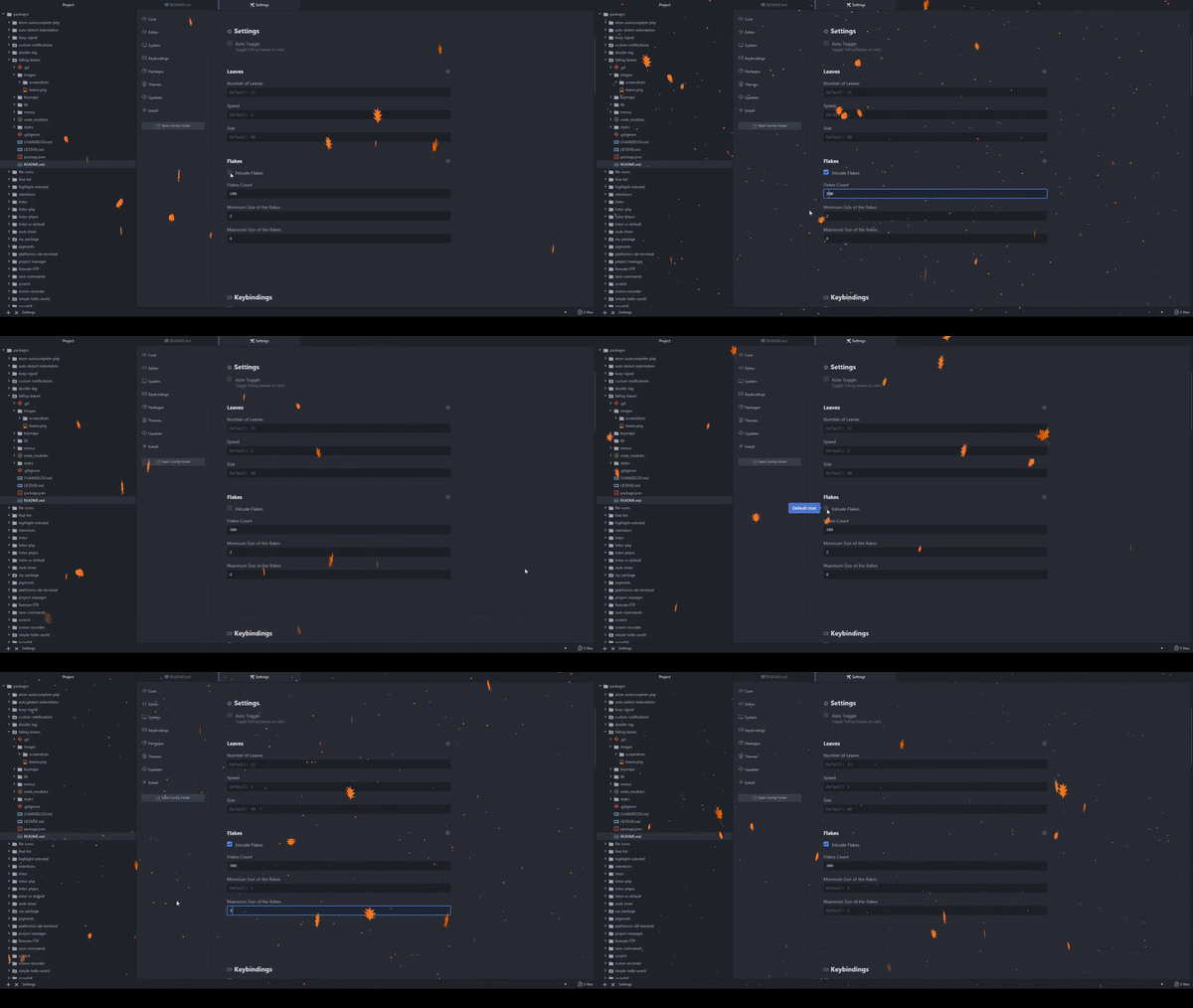
Flakes Configuration
- Include Flakes - You can optionally include or exclude the flakes.
- Flakes Count
- Minimum Size of the flakes
- Maximum Size of the flakes
Toogle (On / Off) the Falling Leaves
You can toggle the Falling Leaves by any of the following.
- Command Palette: Falling Leaves: Toggle
- Context Menu: Right Click in Atom Editor -> Toggle Falling Leaves
- Keyboard Shortcut: ctrl-alt-L
Contribute
Pull requests are welcome.
Create issues if you have any.
If you like to add support for a language you work in, feel free to contribute and open a pull request.
In lieu of a formal style guide, take care to maintain the existing coding style.
Credits
Thank you for the following repositories and packages.
- https://github.com/daftspunk/3d-falling-leaves
- https://atom.io/packages/snowfall
Portfolio
Visit my other packages and browser add-ons.
- http://www.senthilprabu.in/#/portfolio
License
Copyright (c) 2018 Senthilprabu Ponnusamy