This package provides:
This package consumes:



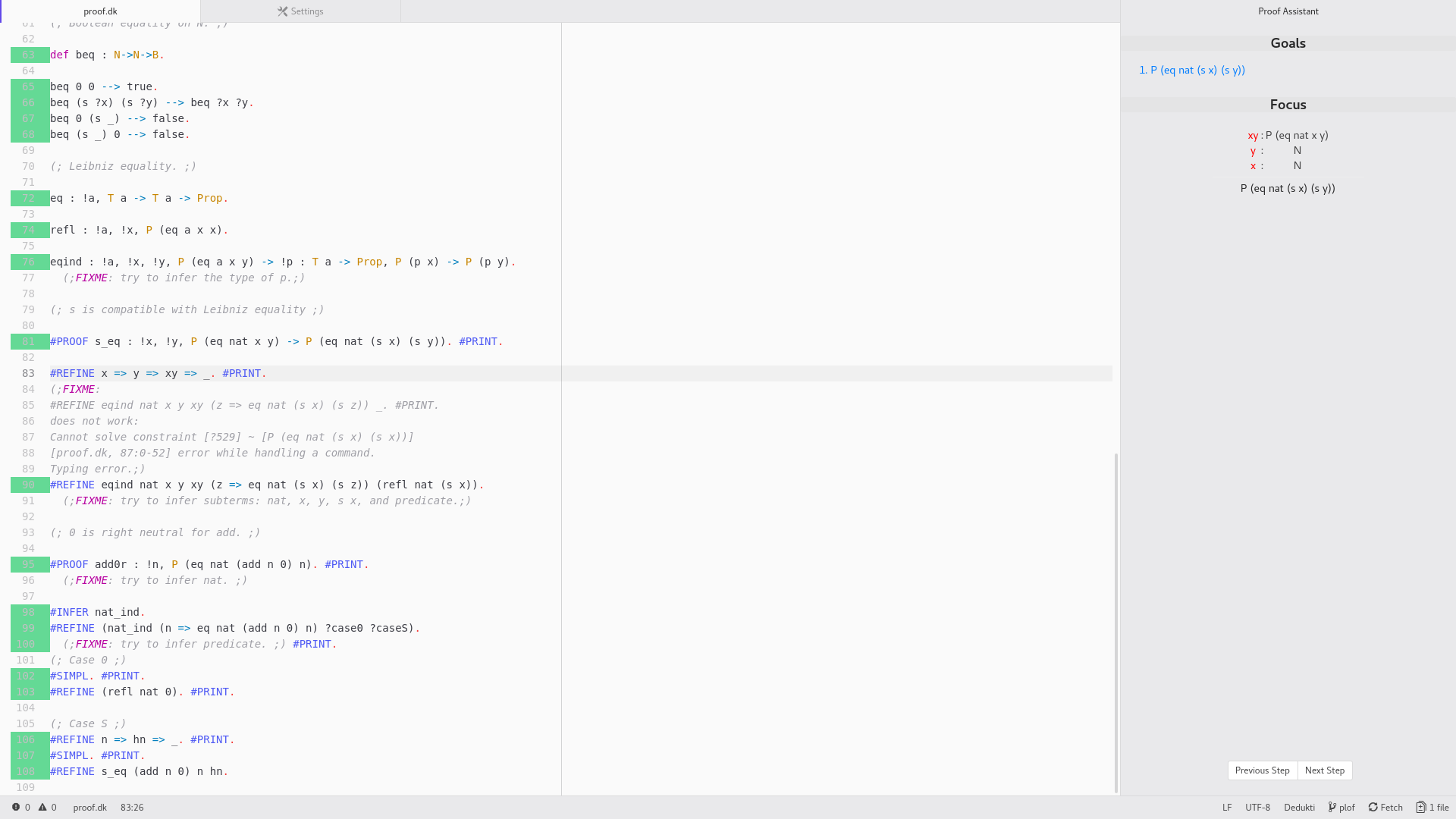
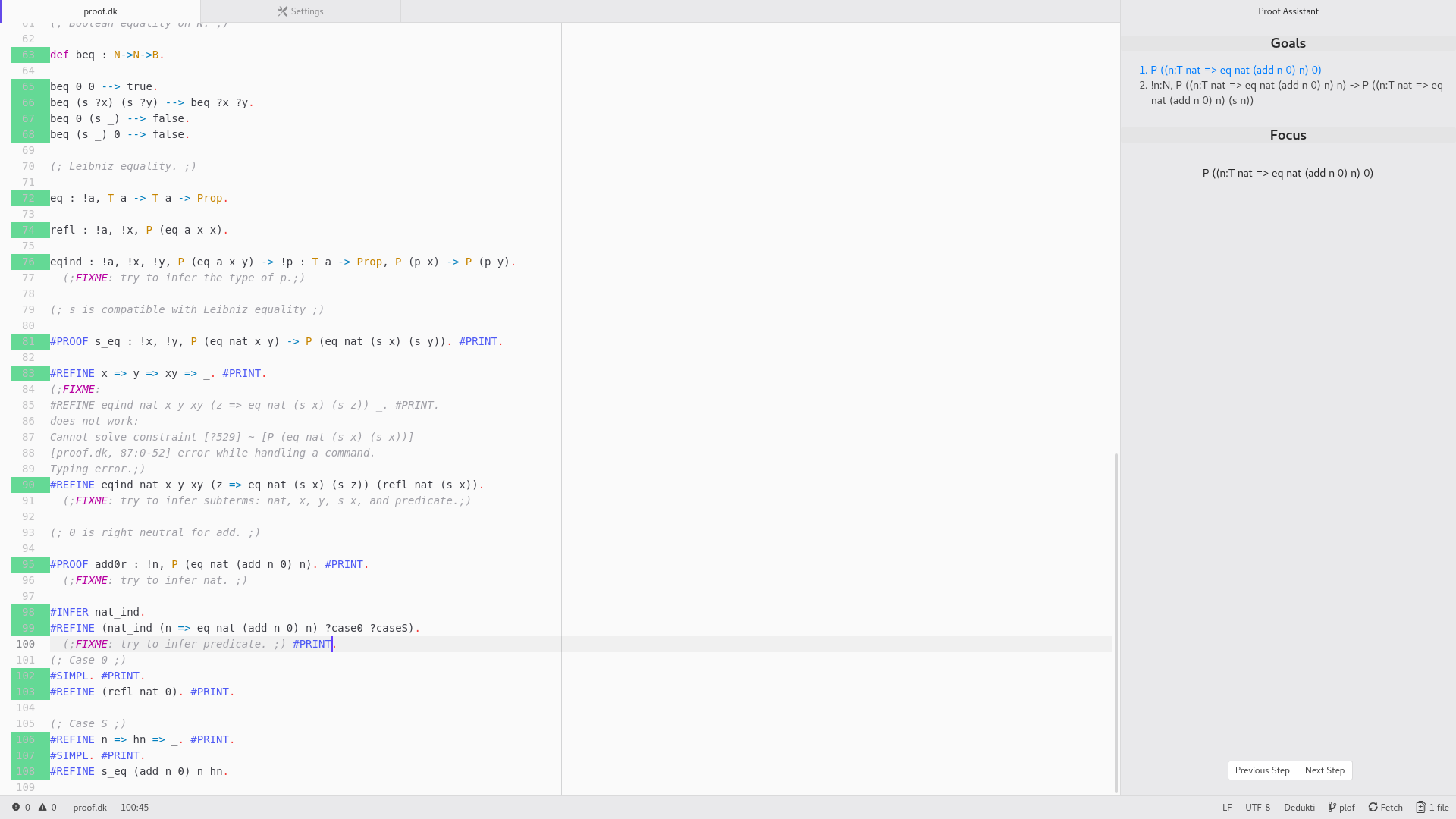
You need atom-ide-ui, to install it, run :
$ apm install atom-ide-ui
dedukti-editor needs a language server for Dedukti. The easiest method is to use the OPAM package manager:
$ opam switch 4.06.1
$ eval `opam config env`
$ opam repository add deducteam https://scm.gforge.inria.fr/anonscm/git/opam-deducteam/opam-deducteam.git
$ opam install ocamlfind ocamlbuild bindlib earley earley-ocaml
$ opam install lambdapi-lsp
In case the installation doesn't work, don't forget to update your packages :
$ opam update
$ opam upgrade
| Key | Action |
|---|---|
| alt-down | Next step |
| alt-up | Last step |
If you want to contribute to development of the mode you can clone this repository from GitHub:
$ git clone https://github.com/lachhebo/dedukti-editor.git
$ cd dedukti-editor
$ apm install
$ apm link
Note that apm install will place the package in
~/.atom/packages/dedukti-editor/
To debug, open a developper console (Ctrl+Shift+I).
If you want to inspect the communication between Atom and the language server, execute the following piece of code in the Console.
atom.config.set('core.debugLSP', true)
Reload the window and you should see every messages.