
This package provides:
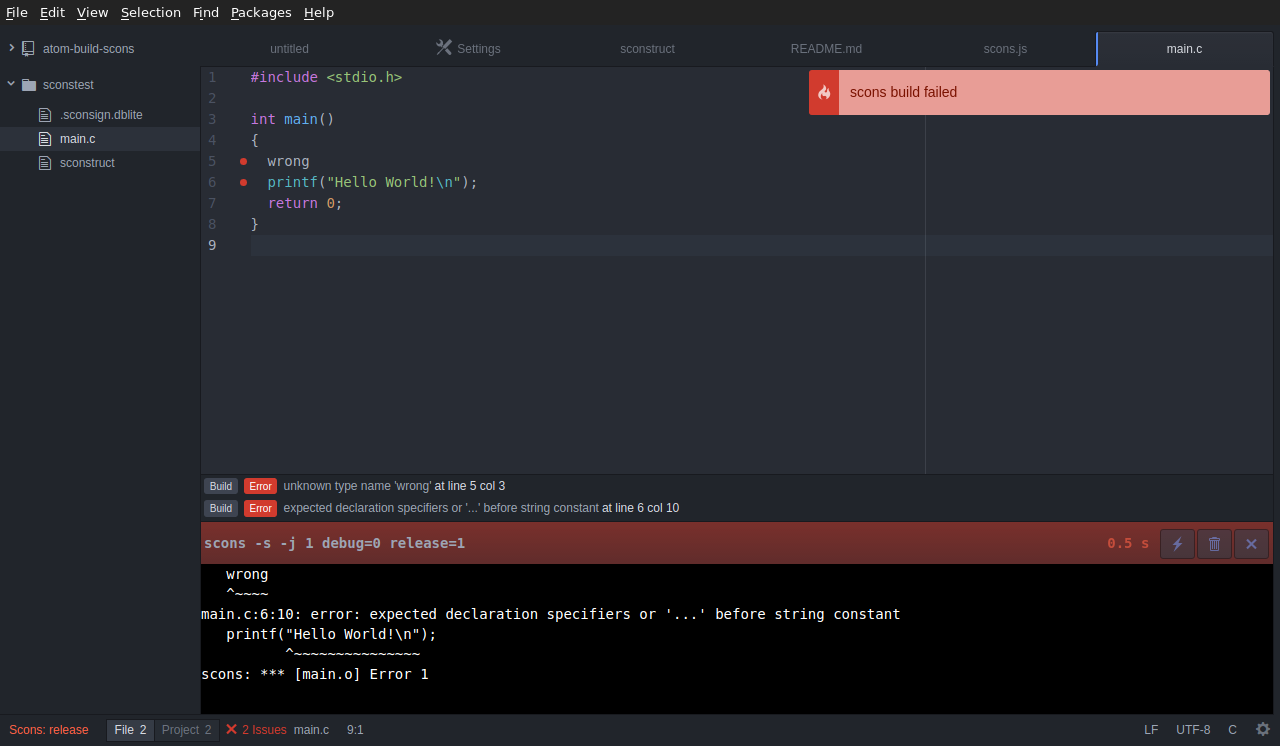
Scons build for Atom (via atom-build)
Uses the atom-build package to execute scons in the Atom editor.
Prerequisites
This package requires atom-build:
apm install build
Optionally to display compile errors and warnings nicely, add the linter package:
apm install linter
Install
Install the scons builder from the package sources:
apm install build-scons
Or install from git:
cd $HOME/.atom/packages
git clone https://github.com/wendlers/atom-build-scons.git build-scons
cd build-scons
apm install
Usage
See atom-build for available key-bindings.
The scons builder is triggered by the presence of a sconstruct or
SConstruct file.
In the settings dialog of the build-scons package it is possible to configure
the following:
silentDon't print commandssuppress progress messagesSuppress "Reading/Building" progress messagesjobsNumber of jobs to run in parallelseparate build dirSelect for out of tree builds using a separate build dir. All the build artifacts will go to :PROJ_DIR/../PROJ_NAME_build'.
The builder defines the following default targets:
releasebuild with variablesdebug=0,release=1debugbuild with variablesdebug=1,release=0defaultbuild with no variables setcleanbuild with-cflag
You could provide per project targets by creating the file targets.ini
alongside the sconstruct script. Each target is defined by [targetname],
followed by an entry specifying the SCons targets, and an entry giving the SCons
parameters:
[my target]
params="debug=1 release=0"

[my target clean]
targets=-c

[my special target]
targets="this that"
params="debug=1 release=0"
Known Issues
- A newly created
targets.iniis not detected without reloading (e.g.Shift+Ctrl+F5). However, changes to an existingtargets.iniare detected and activated without reload.