
- syntax
- theme
- notepad++
- notepad
- bade3
bade3 notepad syntax theme
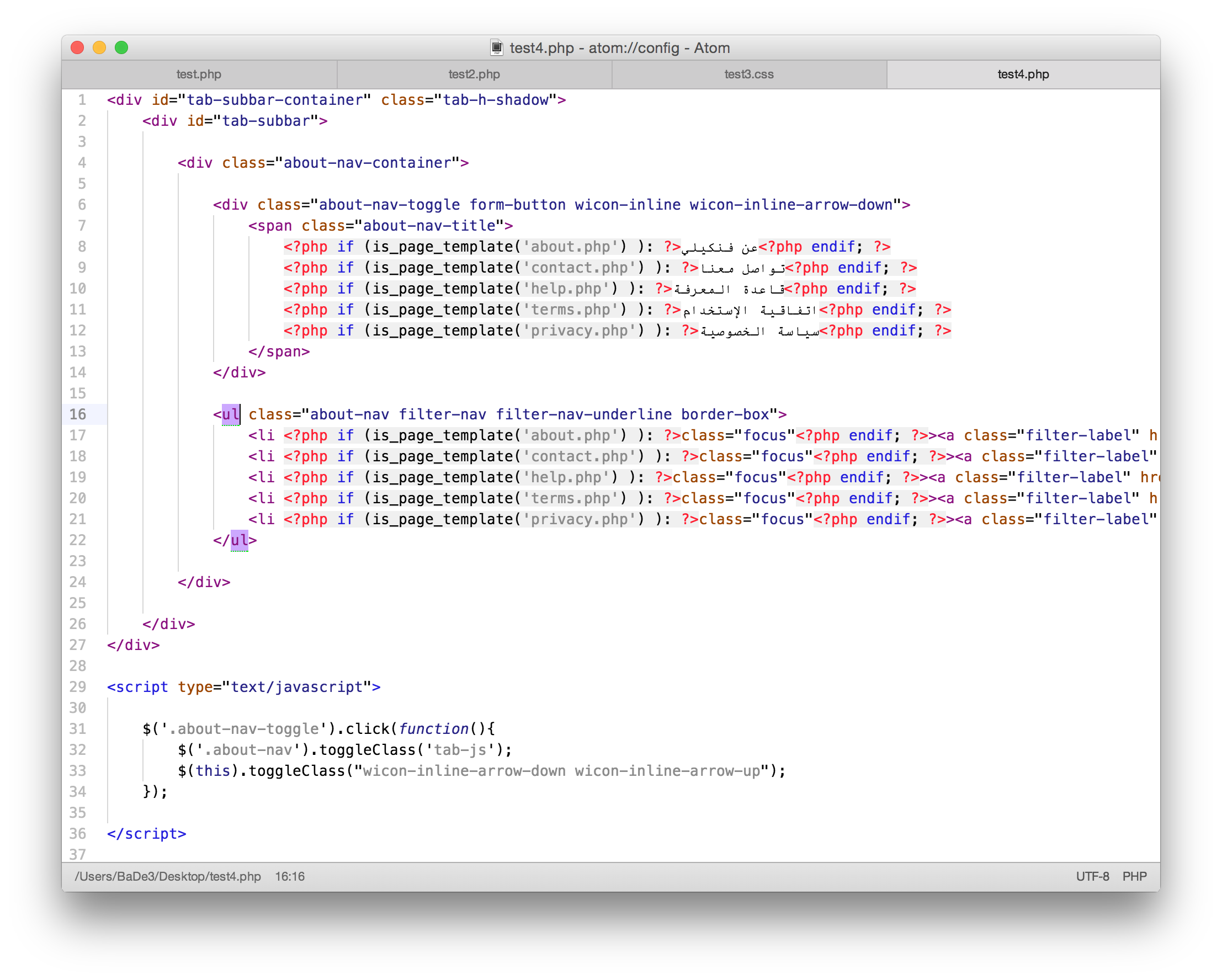
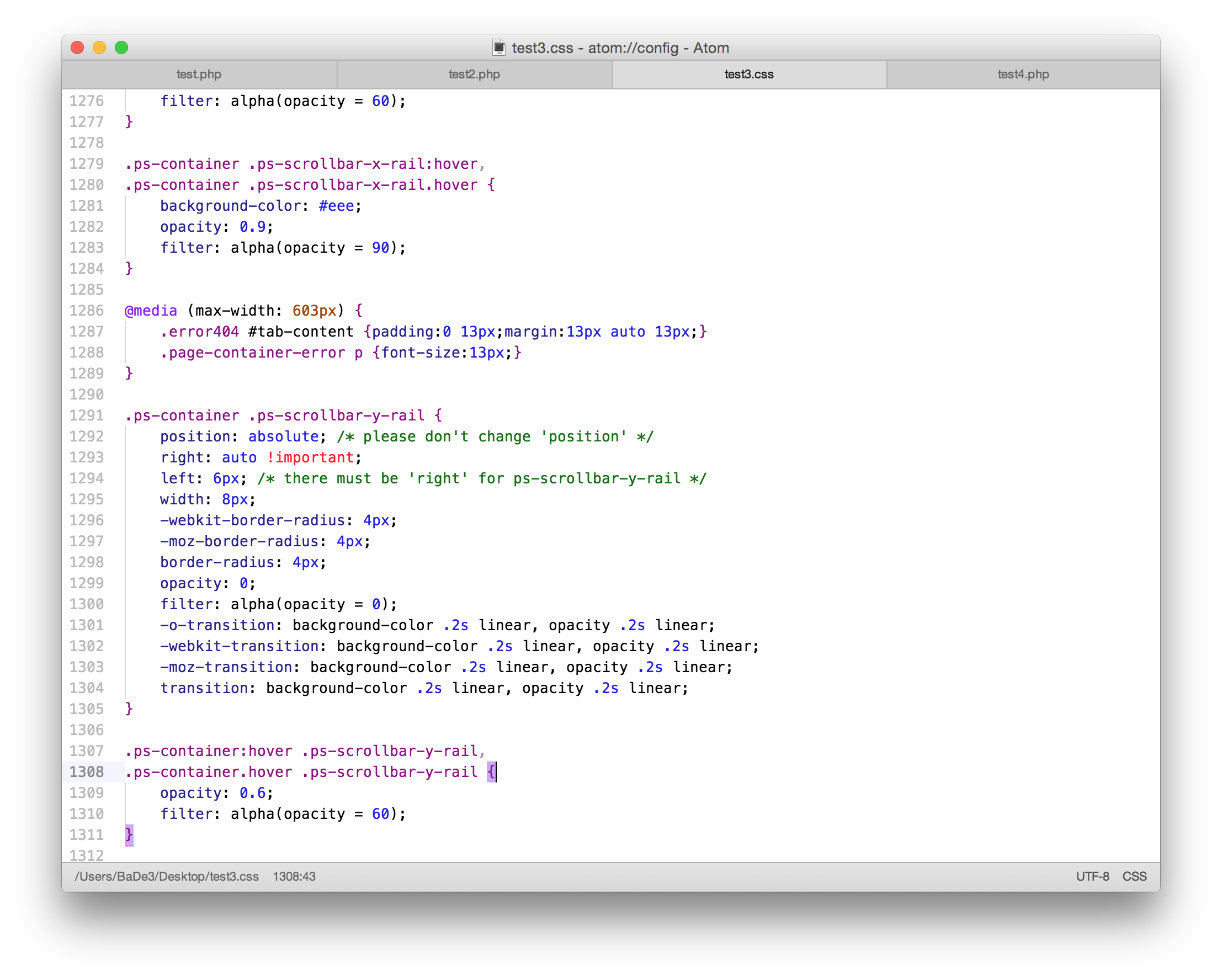
A clean light syntax theme for the atom text editor, inspired by the "notepad++" text theme.
HTML + PHP
CSS
##Install
- From the command line:
$ apm install bade3-notepad-syntax
- Alternatively, open Atom > Preferences, select Themes > Search for bade3-notepad-syntax, then Install.
Activate the theme by selecting the Themes section of Preferences.
##License
The MIT License (MIT) - © Mohammed Eissa (bade3) - for more info see LICENSE.md.
Notes
- UI Theme: Unity: https://atom.io/themes/unity-ui
######Happy Coding !!