
This package consumes:
-
Made for Pulsar!
This package was written specifically for Pulsar and did not exist in the Atom package repository.
Assisted Writing: Power Your Pulsar with AI Text Generation
This package empowers you with in-editor text completion capabilities, leveraging the power of either local Large Language Models (LLMs) with llama.cpp, text-generation webui, or Ollama, or the Google AI Studio Gemini API.
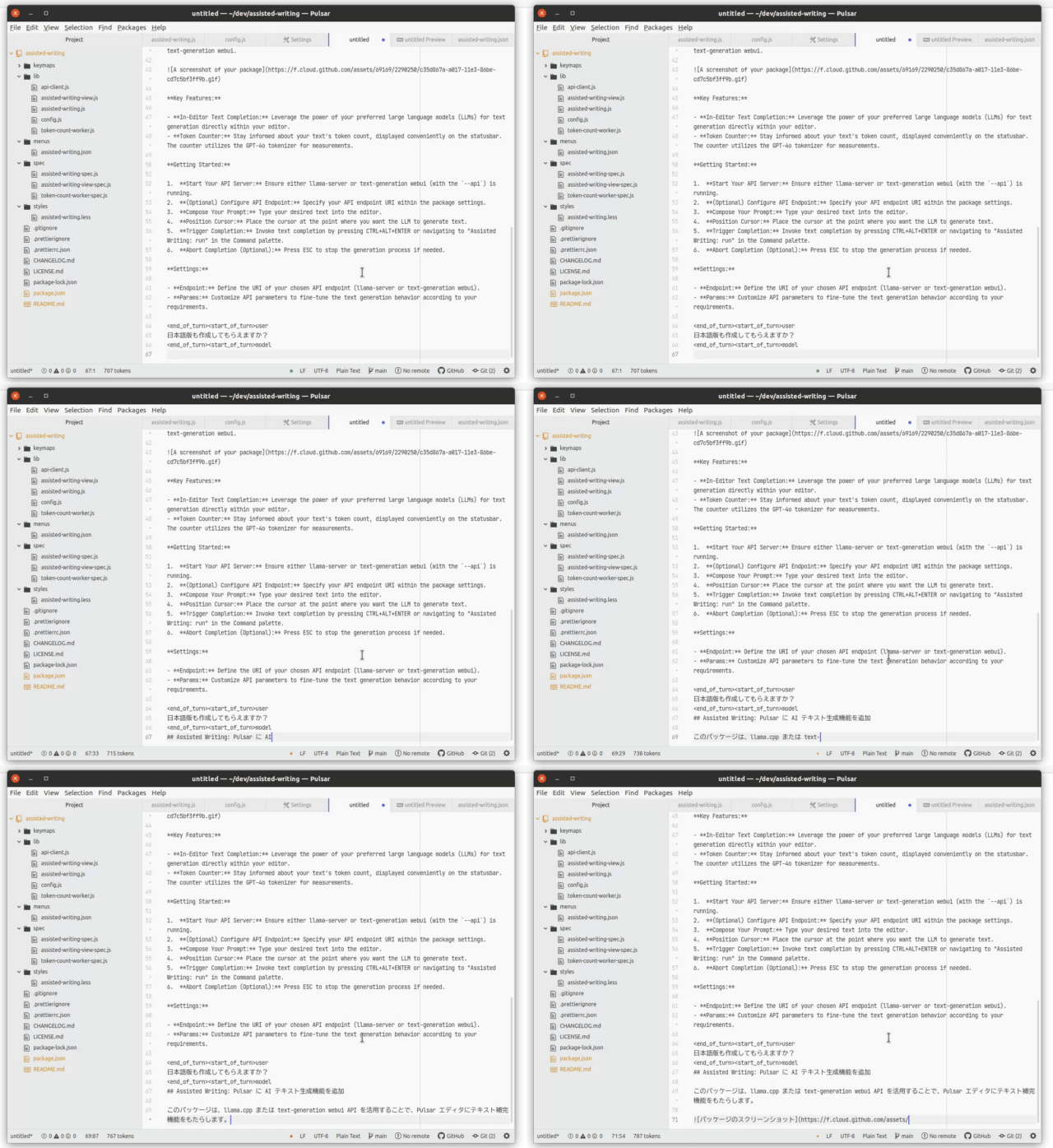
Key Features:
- In-Editor Text Completion: Leverage the power of your preferred LLMs, including Google AI Studio Gemini, for text generation directly within your editor.
- Multiple LLM Support: Choose between local LLMs (with llama.cpp, text-generation webui or Ollama), or the cloud-based Google AI Studio Gemini.
- Token Counter: Stay informed about your text's token count, displayed conveniently on the statusbar. The counter now supports the built-in GPT-4o tokenizer and can also utilize the llama-server API for tokenization, providing flexibility and potential performance benefits.
Getting Started:
- Choose your LLM backend:
- For llama.cpp / text-generation webui: Ensure either llama-server or text-generation webui (with the
--api) is running. - For Ollama: Ensure the Ollama server is running and you have a model installed (e.g.,
ollama pull llama3). - For Google AI Studio Gemini: Set up your Google AI Studio API key (see instructions below).
- For llama.cpp / text-generation webui: Ensure either llama-server or text-generation webui (with the
- Configure Settings: Specify your API endpoint URI and other parameters within the package settings.
- Compose Your Prompt: Type your desired text into the editor.
- Position Cursor: Place the cursor at the point where you want the LLM to generate text.
- Choose the model (Ollama only): Choose desired model by navigating to "Assisted Writing: Ollama *" in the Command palette.
- Trigger Completion: Invoke text completion by pressing CTRL+ALT+ENTER or navigating to "Assisted Writing: run" in the Command palette.
- Abort Completion (Optional): Press ESC to stop the generation process if needed.
Settings:
- llama.cpp / text-generation webui Settings:
- Enable: When enable you can use llama.cpp or text-generation-webui
- Endpoint: Define the URI of your chosen API endpoint.
- Params: Customize API parameters to fine-tune the text generation behavior according to your requirements.
- Ollama Settings:
- Enable: Enable to use Ollama as the backend.
- Endpoint: The URL of your Ollama server (default:
http://localhost:11434). - Params: Additional model parameters for Ollama (e.g., temperature, top_k, top_p).
- Google AI Studio Gemini API Settings:
- Enable: When enable you can use Google AI Studio Gemini API
- API Key: Your Google AI Studio API Key.
- Model Name: Your preferred Gemini model name (Flash, Pro or Pro experimental).
- Blocked words: When these words are included in the prompt, the package won't call the API.
- Token Counter Settings:
- Tokenizer: Tokenizer to use for the counter.
- Endpoint: Define the URI of your chosen API endpoint.